Thank you for booking with Dyson Farming. Our goal is to make sure that your stay is as hassle free as possible, so if you have any queries or questions before or during your stay, no matter how small or large, please do not hesitate to contact us on 07415 646 953.
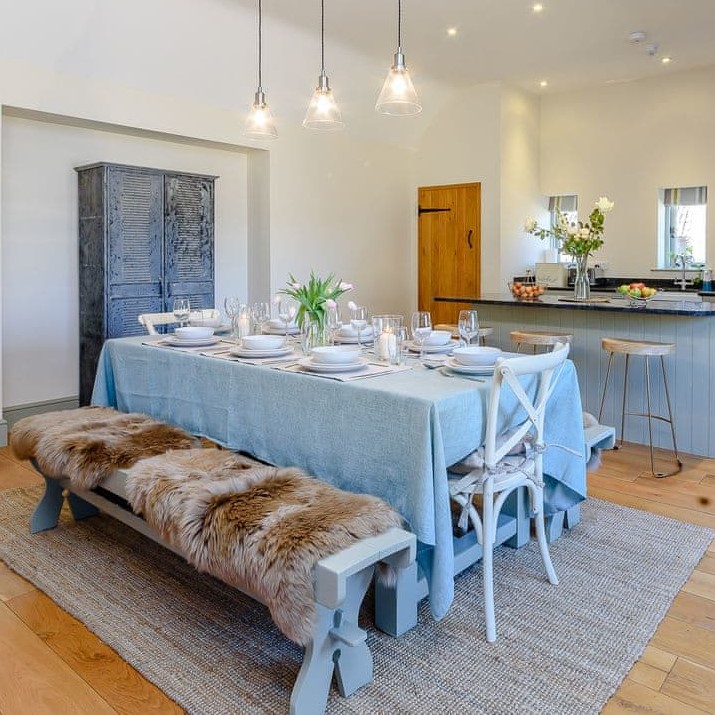
The farm buildings have been sensitively redeveloped to enhance the existing site. A key part of our approach to estate management is to ensure the working history of the estate is preserved.
For more information about your stay, activities and appliance instructions – please see below. For anything not covered please feel free to contact us on the details provided.
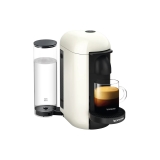
GREEN lights will blink while the machine is heating up.
Steady GREEN light indicates the machine is ready.
Place a cup of sufficient capacity under the coffee outlet.
Open the machine head by pushing the lever upwards. The machine head will open automatically, with an electrical mechanism.
Insert a capsule with the dome shape facing downward.
Push the lever down to close the machine head.
Push the button to start the brewing process. Green light will rotate slowly.
During the coffee preparation phase coffee will start to flow. Green light will rotate quickly during brewing. Steady GREEN light indicates that coffee brewing is ready.
To stop the coffee flow early, push the button. Steady GREEN light indicates that coffee brewing is ready.
To manually top off your coffee, push the button and push again to stop when desired volume is reached.
To eject the capsule, open the machine head by pushing the lever upwards. The machine head will open automatically with an electrical mechanism.
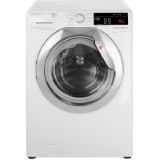
WASHER / DRYER (HOVER):
Washing machine:
Turn on the mains fuse switch located on the wall.
Use the round dial to select the cycle for the washing machine (Cottons to Sports).
Press the temperature button to choose the temperature you would like.
Then press the start/pause button to start cycle.
Dryer:
Turn on the mains fuse switch located on the wall.
Use the round dial to select the cycle (high dry / low dry / wash & dry).
To alter the heat/dry time use the drying selection button.
Then press the start/pause button to start cycle.

 Search